
Writes tests from plain language
Paste a test case the way your team already writes it. The AI step writer drafts the steps, reuses the fields your tests already know, and shows the sentence each step came from.
Learn more →Describe a test the way your team already writes it. AutoTestX’s AI drafts the steps, heals them when the application changes, and explains every failure, while each run stays deterministic and keeps a screenshot of every step.
For any web application. Running IBM Maximo? See the Maximo edition →
Test case, as your team wrote it
✦ Draft steps
{{secret.AGENT_USER}}from line 1New requestfrom line 2Facilitiesfrom line 3Heating not working on floor 3from line 4Submitfrom line 5Request SR-… createdassumed · checkCustomer portal✓{{secret.AGENT_USER}}✓New requestHealed: #btn_new_7f2 → button “Create request” · 96% match · waiting for your approval✦Facilities✓row 3 of requests.xlsx✓Submit✓Request SR-1042 created✓› Run the Checkout tests on Staging and tell me if anything broke.
autotestx · run_suite Checkout on Staging · 12 tests
11 passed · 1 failed · 2 min 41 s
autotestx · explain_failure Apply discount code
Apply discount code failed at step 4: it expected “Discount applied”, but the page said “Code expired”.
The button and the form worked, so this is the test data: the promo code has expired. It passed until 29 Sep. Renew it in the staging seed data.
Failure class · Test dataEvidence · step 4 screenshot
Illustrations of the AI step writer, a healed run, and an AI assistant using the AutoTestX MCP server.
A test case written, run, explained and healed, in the real product on sample data.
Recorded in our demo environment with real AI calls. Northwind Supply is a practice application; the data is sample data and the narration is a synthetic voice. See the full product demo →
Each one takes repetitive work off your team, and each one hands the decision to a person.
Paste a test case the way your team already writes it. The AI step writer drafts the steps, reuses the fields your tests already know, and shows the sentence each step came from.
Learn more →A renamed button or a moved field no longer breaks the run. AutoTestX finds what the step meant, keeps going where that is safe, and files the fix, with its evidence, for approval.
Learn more →Each failure is classed (the application, the environment, the test data or the test), and AI diagnosis explains the likely cause in plain language, with the evidence it rests on.
Learn more →Claude Code, Cursor or VS Code run your suites through the AutoTestX MCP server and tell you what broke, without leaving the editor. In an editor, they can fix the code and run the suite again.
Learn more →Every step of a run executes exactly as written, so the same test on the same data gives the same result. Here is what each AI feature sees, never sees, and who makes the call.
One platform from a test case on paper to the release decision.
Record the flow in your own browser, or paste the case and let the AI draft the steps. Data from Excel, CSV or an API: one run per row.
Learn more →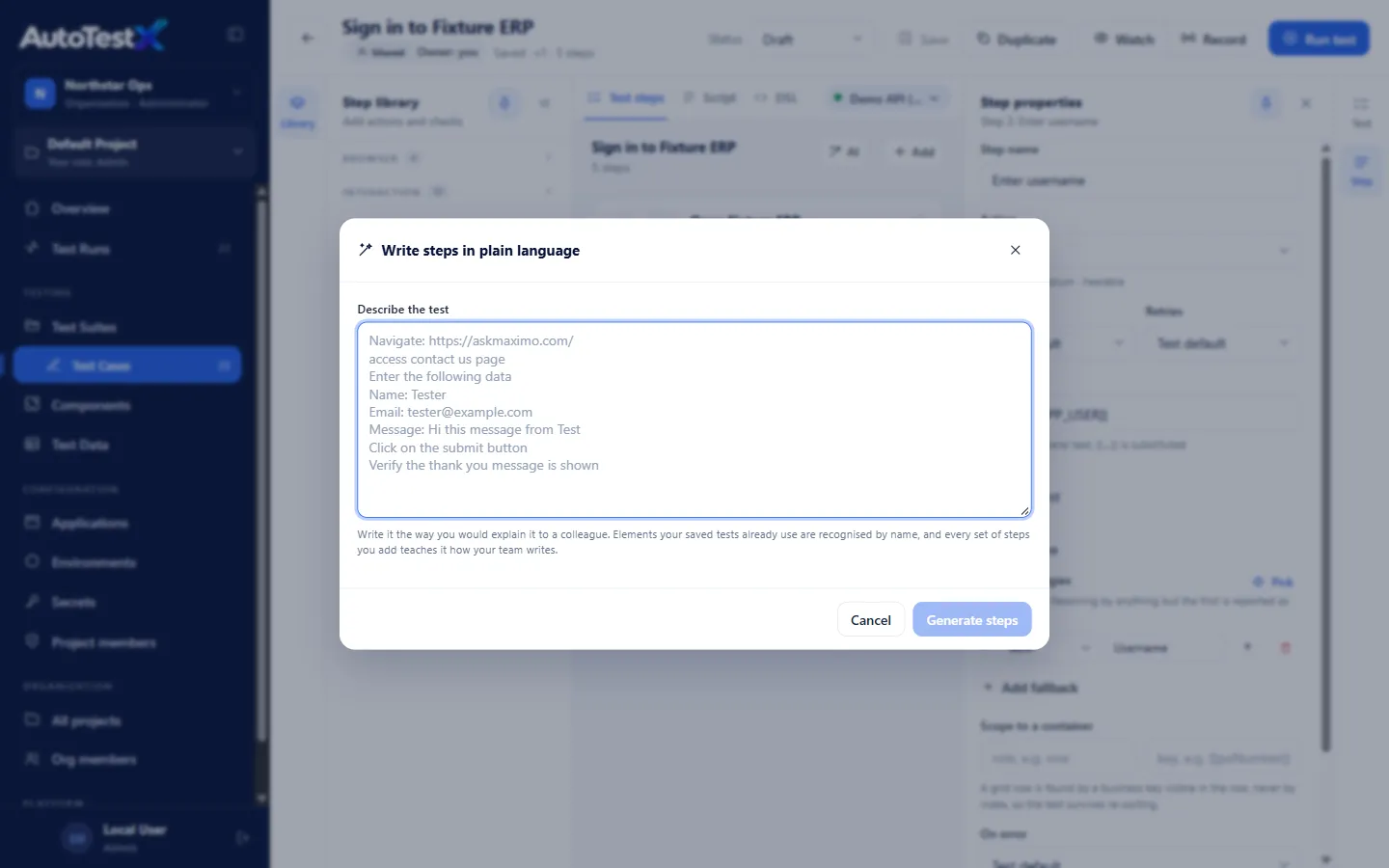
Suites run from the app, on a schedule, after each deployment from your CI pipeline, or when your AI assistant asks.
Learn more →
The failed step, expected versus actual, the screen at that moment, video and trace, a failure class, and an AI explanation.
Learn more →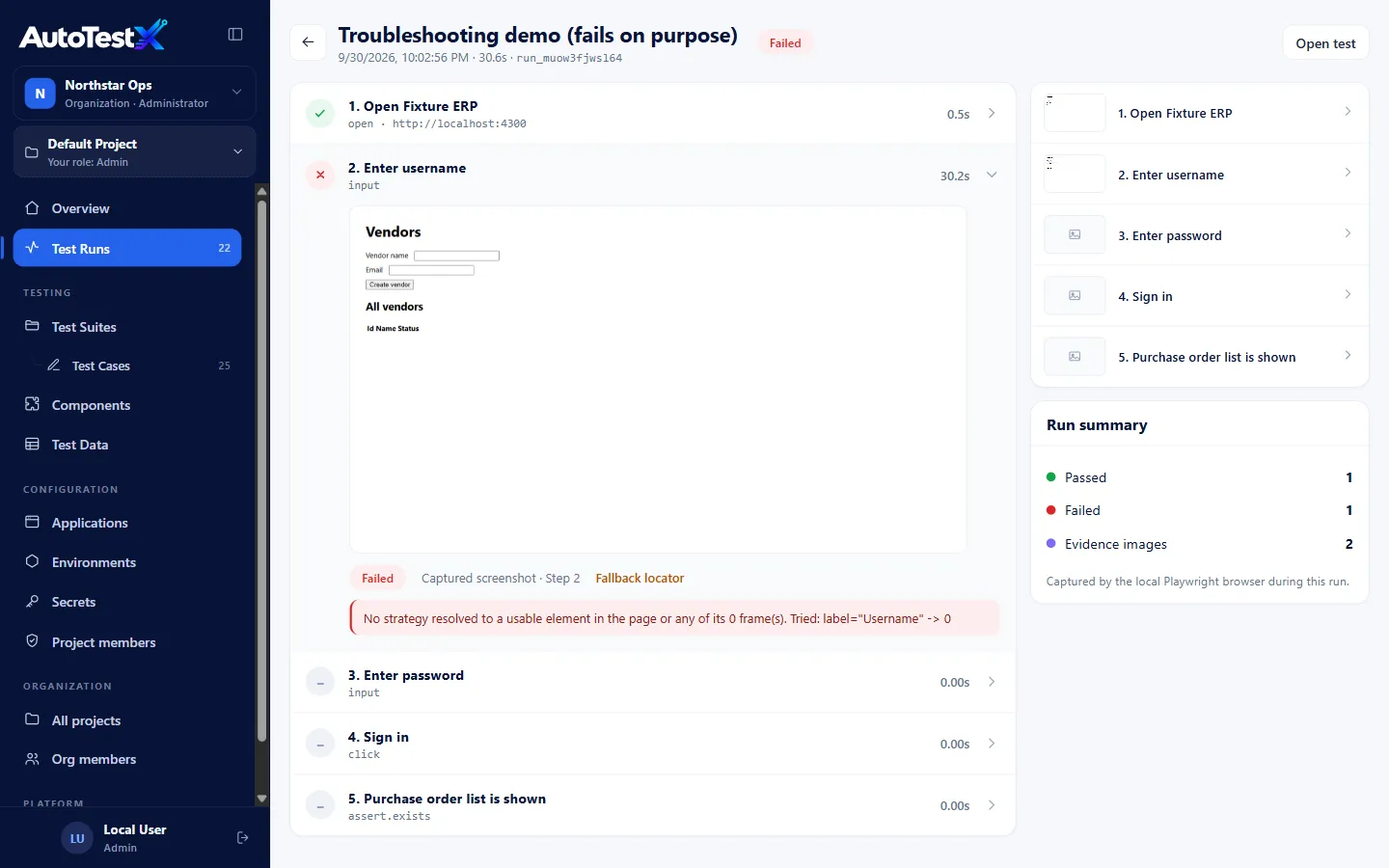
Self-healing proposes fixes with a confidence score; rules can apply safe ones; every decision is audited and reversible.
Learn more →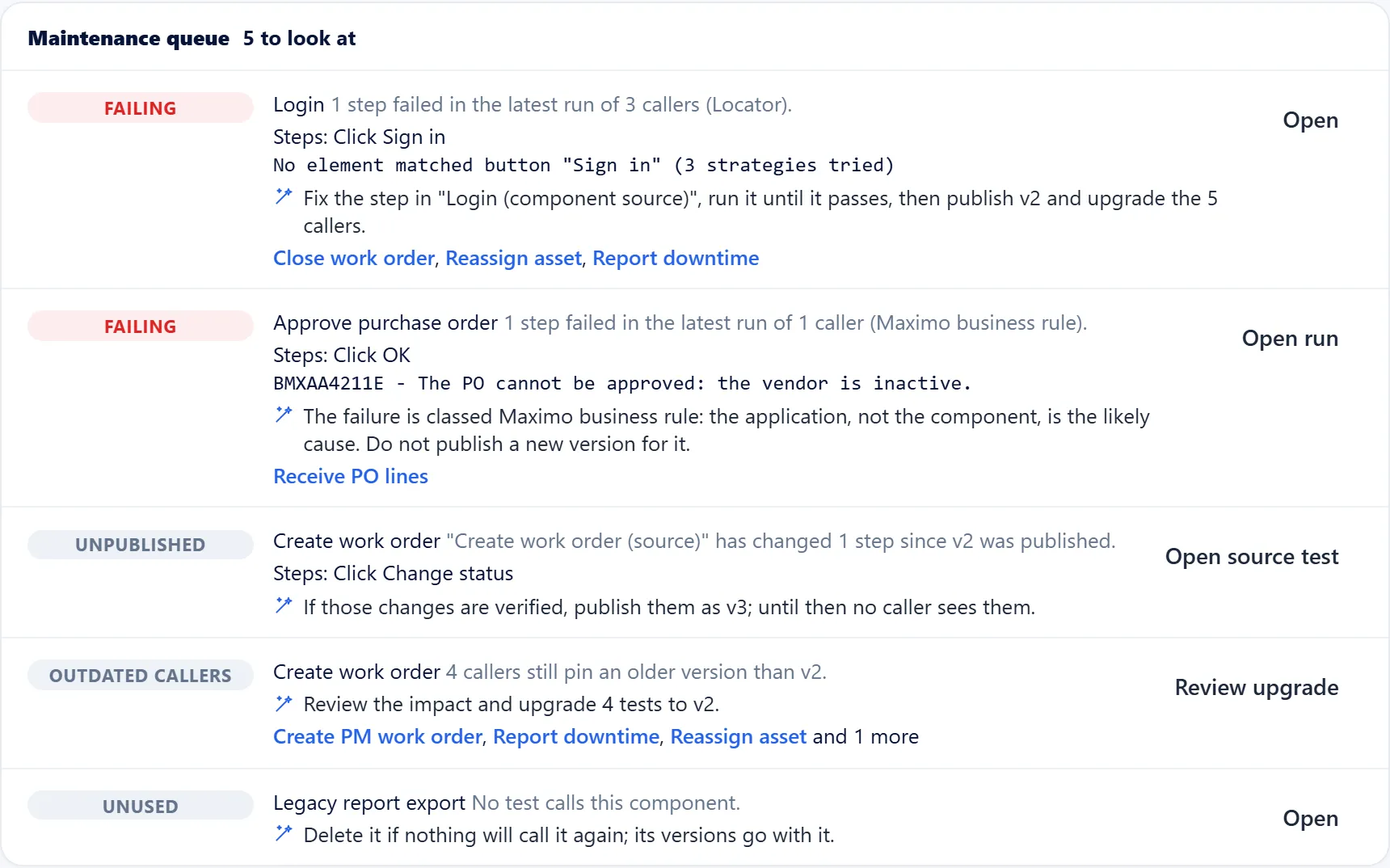
A dashboard, run history, and a release report that separates new regressions from known failures.
Learn more →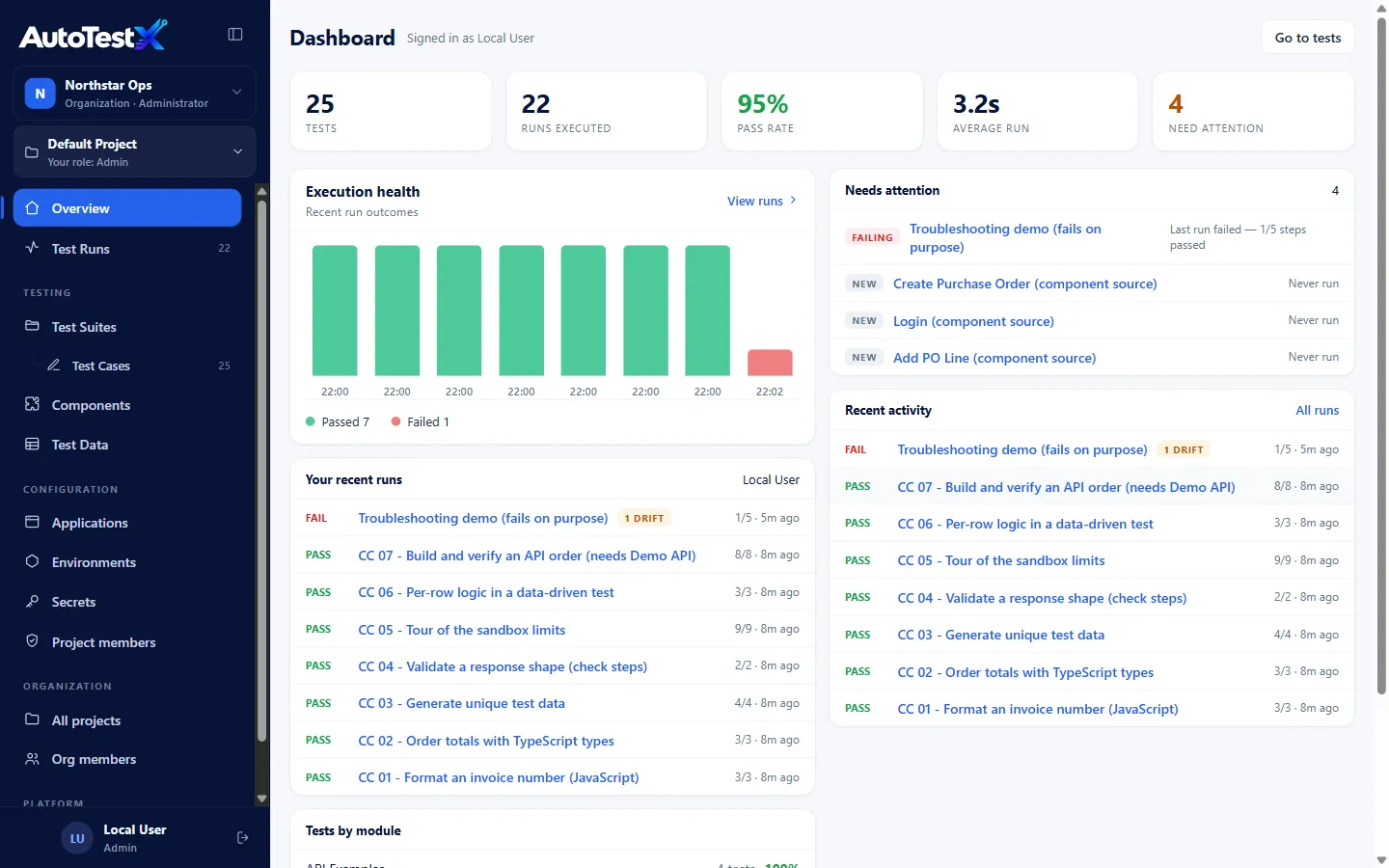
Customer portals, ERP and CRM screens, internal tools, SaaS: anything your testers reach in a browser.
The same AI platform, with what IBM Maximo and MAS teams need built in, and pilots run by people who know Maximo.
Hosted in Canada (AWS) · Agent with no admin rights · Secrets redacted from logs and reports · Five roles per project · IT pre-check →
Everything the product does today, and doesn’t yet, is in the capability list.
Four things: it drafts test steps from plain-language cases, picks the moved element when healing can’t prove one, explains why a test failed, and lets your AI assistant run suites through MCP. Each is a suggestion a person reviews.
It doesn’t. Runs are deterministic: each step does exactly what is written, and no run acts on an AI answer. An organization admin can turn AI off altogether.
Anthropic’s Claude, on the AutoTestX key or your organization’s own Anthropic key. Screenshots, recordings and secret values are never sent to it.
Web applications your testers reach in Chrome or Edge, including ones behind your VPN for recording. There is a dedicated edition for IBM Maximo. Native mobile and desktop applications are not supported.
No. Tests are steps in plain language, drafted by AI or recorded. Custom code and API steps are there when a developer wants them.
A per-user agent for recording, with no admin rights, and for unattended runs a test environment the AutoTestX server can reach. The IT pre-check covers it.
In 30 minutes: a live demo of AI drafting, healing and explaining tests on a representative flow, and what your team would need for a pilot.