Self-healingWhen the screen changes, you get a fix to approve, not a mystery.
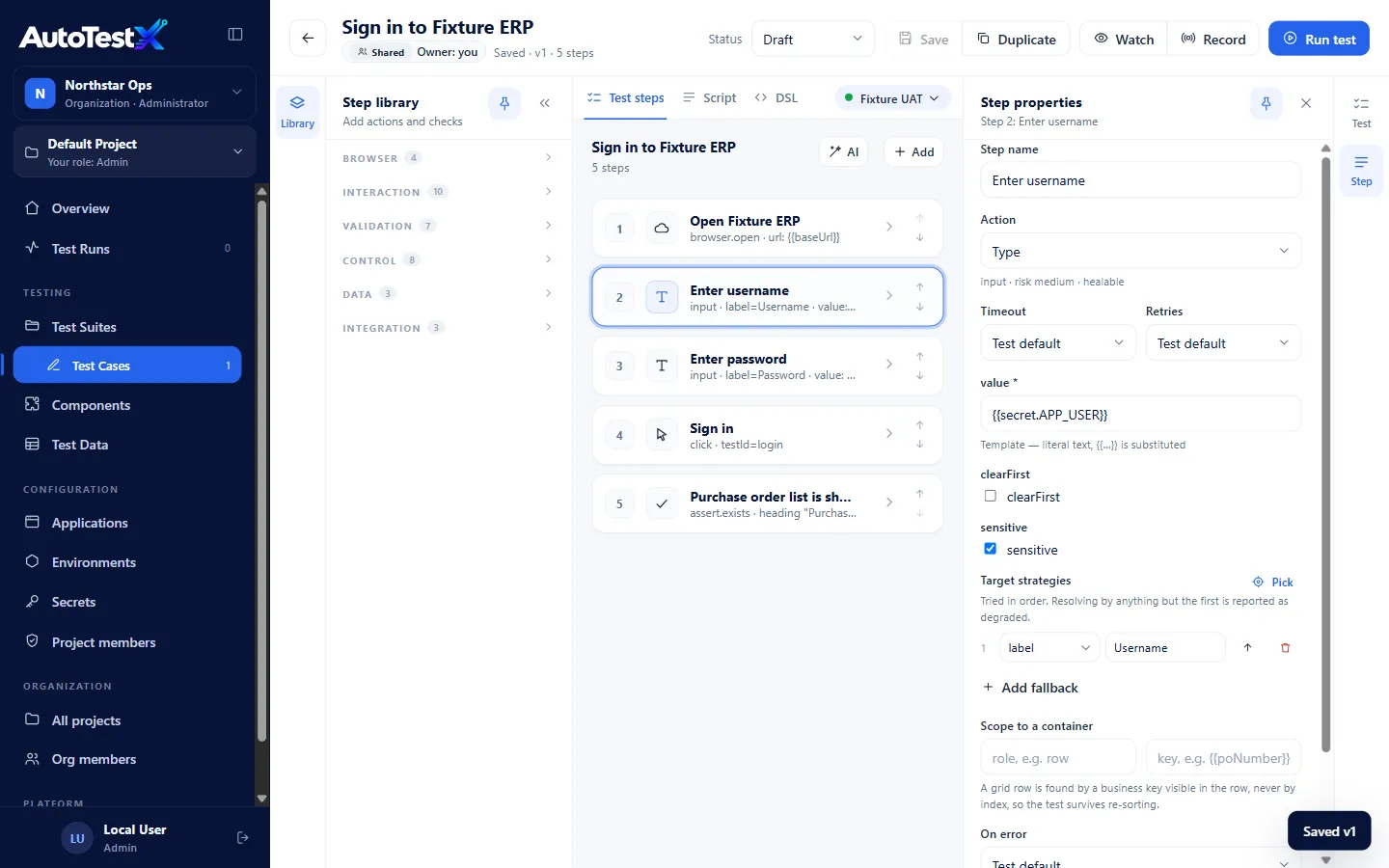
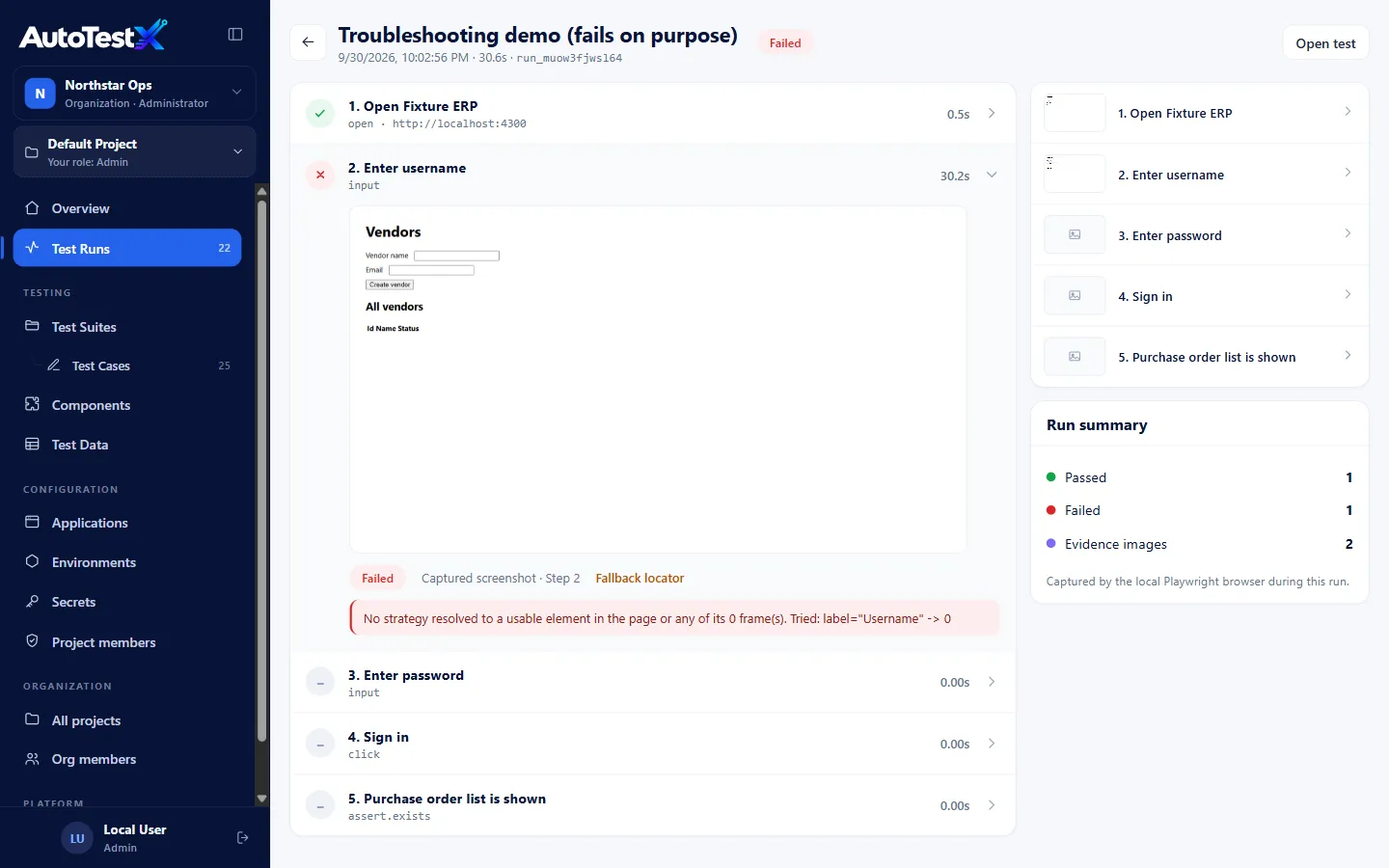
A renamed button or a regenerated id shouldn't cost an analyst an afternoon. When a step can't find its field, AutoTestX compares the page with how that field looked on the last passing run and proposes the match, with the evidence and a confidence score.
Nothing changes in the test until a Test Developer or Test Manager approves it, from the Self-healing page, the run report or the editor, or, on Business and Enterprise, a rule they set applies a safe fix, with an audit trail and one-click revert. A run never acts on a healed field in a risky step like Delete or Approve, and when the field is really gone, the run says so instead of hiding a defect.
How self-healing works → HealedStep 7 · Click Save96% match
Was#btn_8f3a
Nowrole button, name “Save changes”
- Same role: button
- Same position in the toolbar
- Same nearest heading: Purchase Order
- Text changed: “Save” → “Save changes”
- Id regenerated
ApprovePick insteadReject